
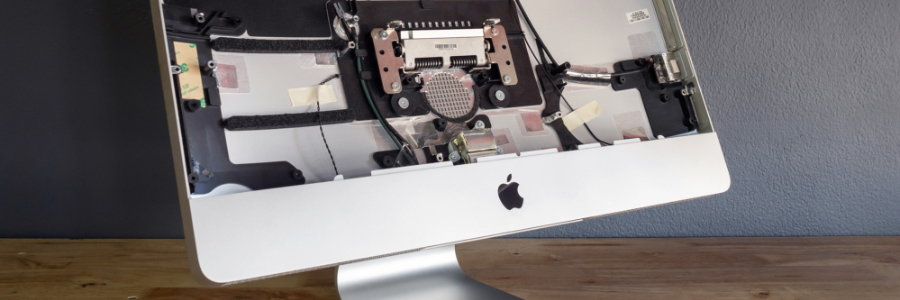
How to connect an external monitor to your Mac

Remote work arrangements have become the new norm for many employees. If you’ve been working from home using your Apple desktop or laptop without a second monitor, here’s some good news: you have several options for external monitors — including your TV.

First, check what displays your Mac device supports by doing the following:

Click the Apple Menu (located on the left-hand side of the screen). Then click Support > Specifications.

The coolest Chrome feature no one knows about

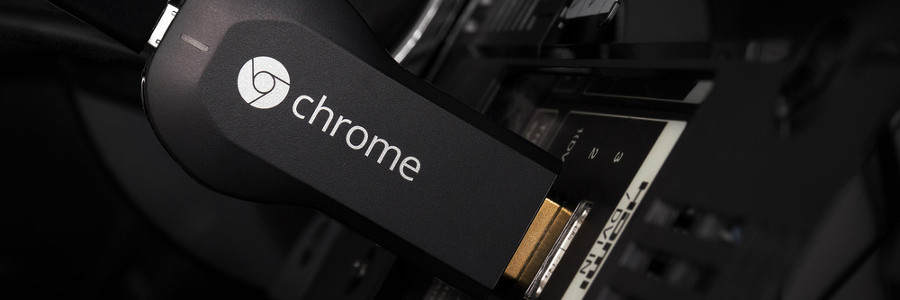
Back in 2013, Google released a tiny HDMI device to widespread praise. No bigger than a run-of-the-mill flash drive, Chromecast allowed you to broadcast certain applications from your desktop or smartphone screen to your TV. Considering how easy it was to set up, and the $35 price tag, we didn’t think it could get any better than that.

Free eBook for accountants! Discover how accounting firms are turning tech challenges into growth opportunities with the right IT provider.Download your eBook now!
+ +